Inspirations
6 Things to Check Before You Buy a Home Office Chair
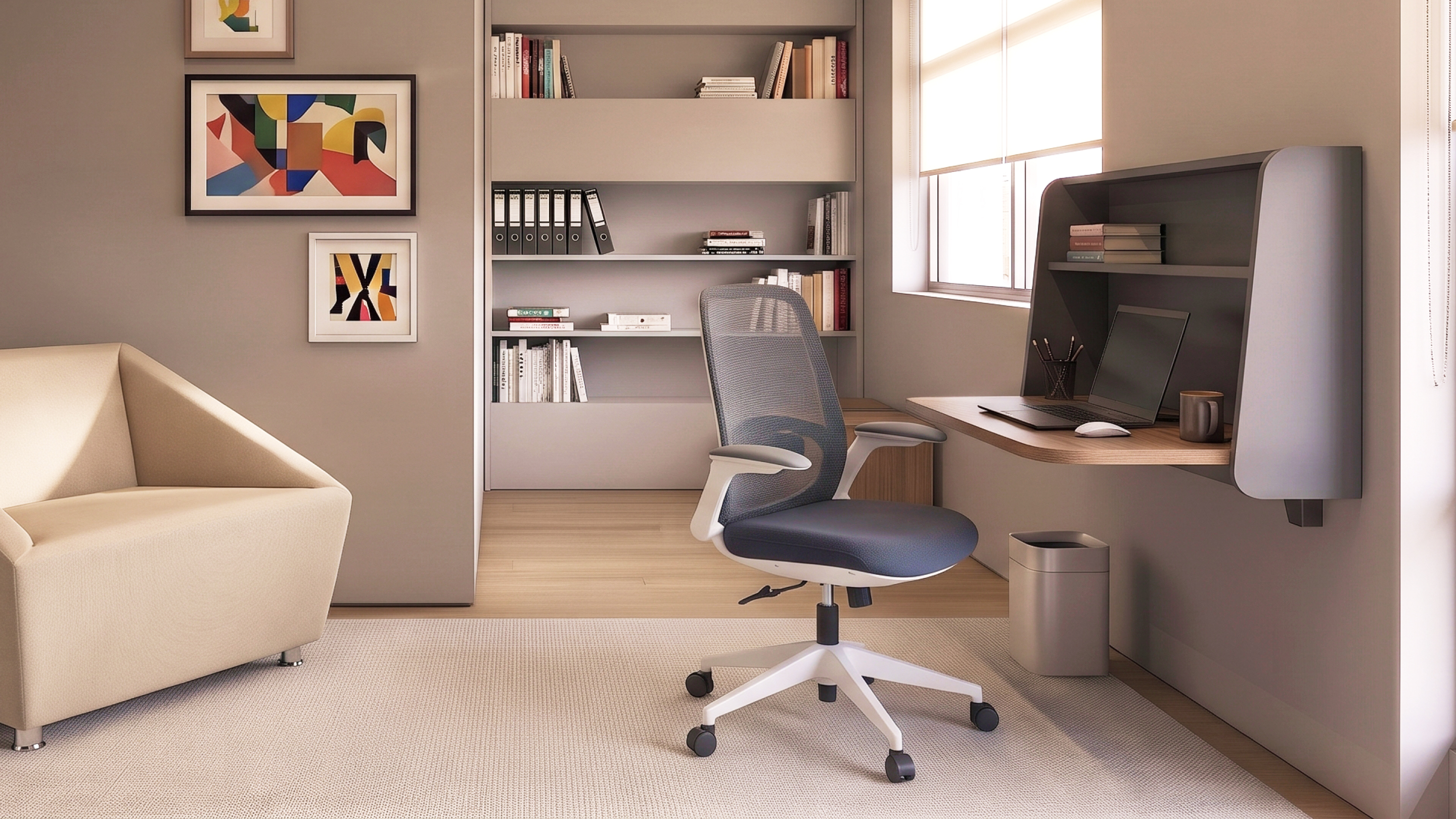
Before you buy a home office chair, check six things: seat height, seat depth, lumbar support and backrest, armrests, the base, and how the chair works with your desk. A chair that passes these checks keeps you comfortable through long calls and deep work. A chair that does not will remind you every afternoon.
Many people started working from home with a dining chair or a sofa. It worked for a week. Then the stiff neck, the tired lower back and the numb legs arrived. The fix is rarely a bigger budget. It is a better fit.
This guide walks you through the six checks one by one. You will also get a short checklist to take with you when you try chairs in person.
How to Choose a Home Office Chair That Fits Your Body
You may sit for six to eight hours a day. Over that time, small problems add up. A seat that is too high pushes pressure into your thighs. A seat that is too low leaves your knees above your hips and your lower back rounded. A backrest with no curve lets your lower back slump, and a slumped back often pulls your neck and shoulders forward too. A chair that cannot move stops you from changing position, so the same muscles carry the load for hours.
Good seating is not about sitting perfectly still in one “right” pose. Even a good posture becomes tiring when you hold it for too long. What helps is a chair that lets you shift through the day: leaning forward to type, reclining a little to read or think, and sitting upright for a video call. In other words, a good chair helps you move, not freeze. That is why adjustability matters more than one fixed shape.
A home office also has fewer built-in helpers than a company office. No facilities team will adjust your chair. No one will notice you are slouching. Many home setups also start as a temporary spot at the dining table or in a corner of the bedroom, so the chair is often an afterthought. That means the chair itself has to do more of the work. Choose one you can adjust to your own body, and it becomes much easier to sit well without constant reminders.
A chair fits your body when it matches six things: your legs, your thighs, your back, your arms, your floor and climate, and your desk. The six checks below follow that order, so you can test each one as you sit.
1. Seat Height: Fit the Chair to Your Legs
Seat height is the first thing to check, because it decides how well the chair fits your legs, and everything else builds on it.
The right height is the point where the entire sole of your foot can rest on the floor, with the back of your knee slightly higher than the seat. Your thighs should feel supported, not squeezed.
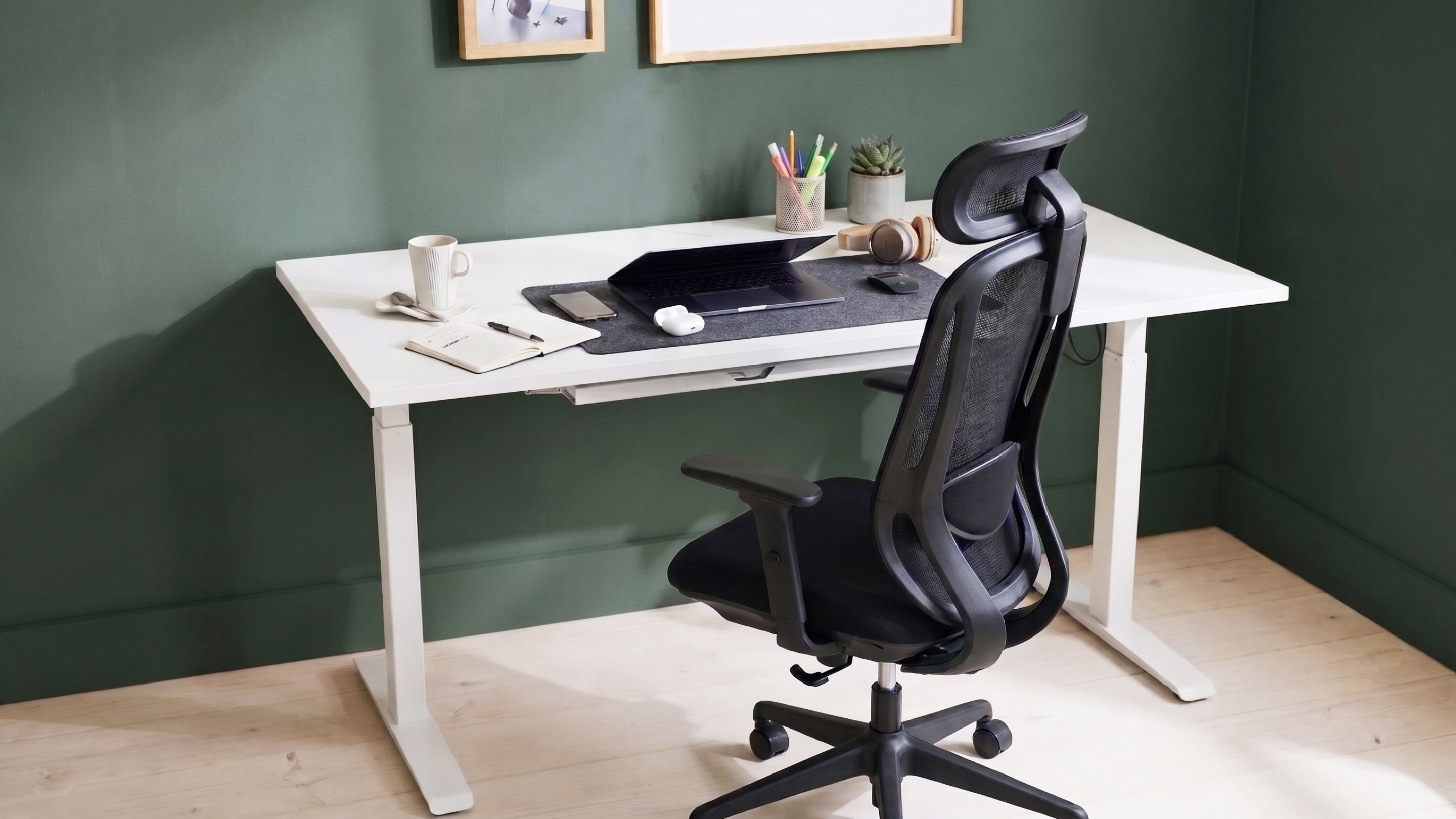
Here is a simple test. Sit back in the chair and place both feet flat on the floor. If your heels lift, the seat is too high. If your knees sit far above your hips, the seat is too low.
Look for a chair with a smooth height adjustment that is easy to reach from a seated position. This matters even more if more than one person uses the chair. If you cannot lower the seat without making your keyboard or screen too high, a footrest can help.
2. Seat Depth: Fit the Chair to Your Thighs
Seat depth is the distance from the backrest to the front edge of the seat. It is often ignored, yet it decides whether the seat fits the length of your thighs.
There should be no contact between the back of your knee and the front edge of the seat. If the seat is too deep, you will either perch on the edge with no back support or press into the back of your knees. If it is too shallow, your thighs will not feel supported.
Taller people usually need more seat depth. Shorter people often need less, so they can sit with their back against the backrest. A chair with an adjustable seat depth solves this for many body sizes.
Also look at the seat edge. A rounded, “waterfall” front edge reduces pressure on the back of the legs. The seat should be padded and wide enough for you to sit and shift without feeling boxed in.
3. Lumbar Support and Backrest: Fit the Chair to Your Back
Your lower back has a natural inward curve, and a chair that fits your body should support it. When you sit for hours, that curve tends to flatten. Lumbar support fills the gap and helps you keep a more natural shape.
Lumbar support should be height adjustable, and its outward curve should fit the small of your back. That detail is important. A fixed bump placed in the wrong spot can be more annoying than no support at all. When you test a chair, sit all the way back. You should feel gentle support at the curve of your lower back, not a hard push higher up or lower down.
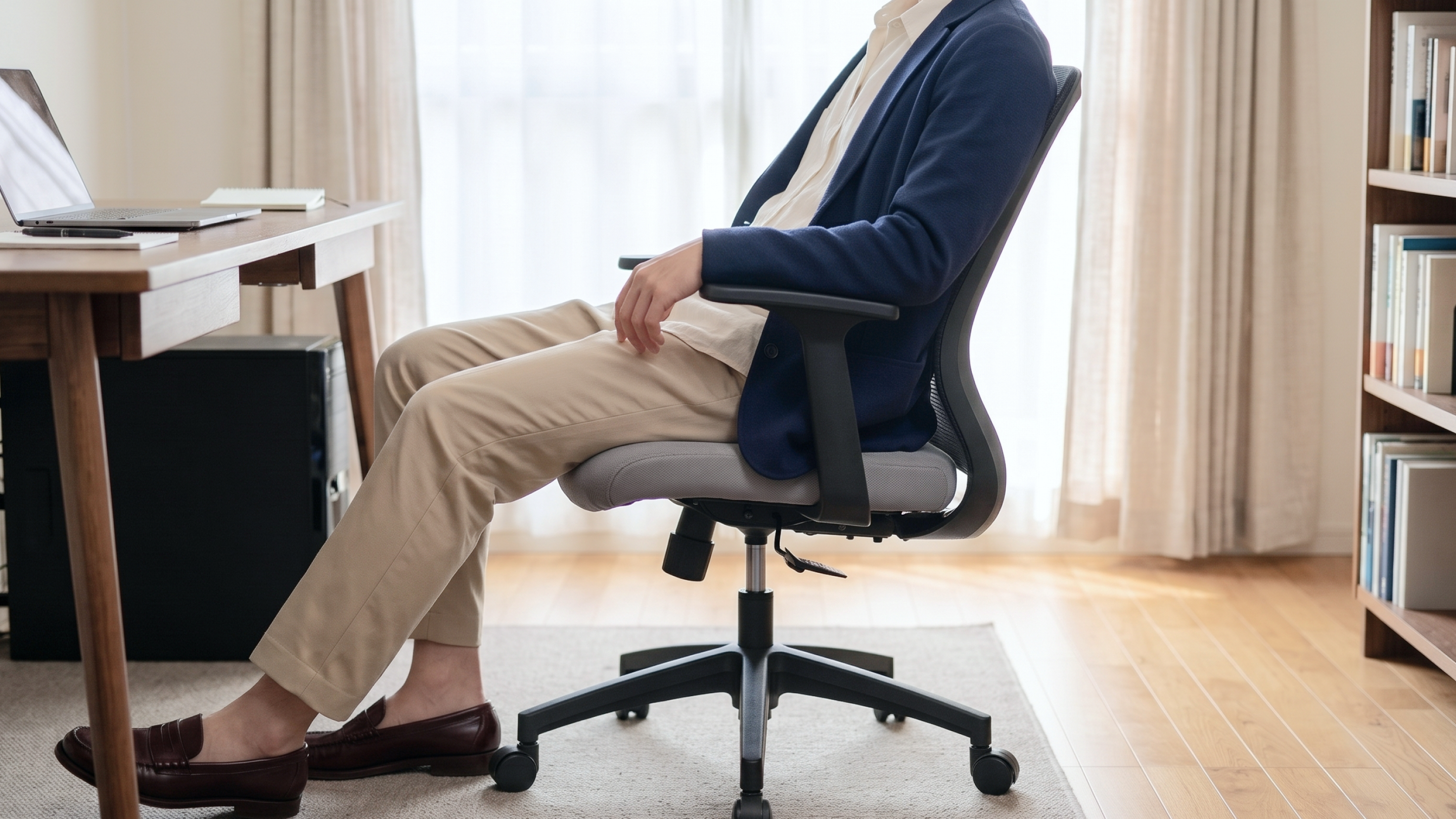
Your body also changes position during the day. You lean forward to type. You lean back to think. You turn to reach a notebook. Your backrest should follow you. Look for a backrest that can recline at least 15 degrees from vertical. It should also lock in place or have adjustable tension, so it holds you without feeling floppy or stiff.
Here is what to try:
- Lean back slowly and see if the backrest follows your movement.
- Adjust the tension so you can recline without falling back.
- Lock the backrest upright for focused typing, then release it for calls.
- Check that the lumbar curve sits at your lower back, not your mid-back.
If a chair has no adjustable lumbar support, a small removable cushion can work as a temporary fix. A built-in, adjustable option is more reliable.
4. Armrests: Fit the Chair to Your Arms and Shoulders
Armrests are optional, but they should match the height and width of your arms. They take weight off the shoulders and help your arms rest during typing and mouse work.
Armrests should be adjusted so they just touch the lower arms when your arms rest comfortably at your sides. Your shoulders stay relaxed, and your upper arms stay close to your body.
The wrong armrests can cause trouble. If they are too wide or too high, they push your shoulders up. If they are too large, they stop you from pulling the chair close to the desk. Look for armrests that are adjustable, soft and rounded at the edges. If they get in the way, choose a chair where they can be moved or removed.
5. Base, Casters, and Materials: Fit the Chair to Your Floor and Climate
The base is the part you do not see much, yet it keeps your whole body stable and safe. A strong five-leg base is the standard for stability. Fewer legs make the chair easier to tip.
Casters matter too. Hard casters roll easily on carpet but can slide on tile or timber. Soft casters grip hard floors better. If your home has smooth tile, check that the chair stays put when you sit down and does not drift away when you stand up. If your floor scratches easily, use a protective mat under the chair.
Home offices can also get warm, especially in a tropical climate, so think about the seat and back material:
- Mesh lets air pass through, which helps on hot days. It can feel firmer.
- Fabric feels softer and warmer to the touch. It comes in many colors and is easy to match with a home interior.
- Leather or leather-look finishes look polished and are simple to wipe clean, but they can feel warm on long days.
There is no single best option. Think about the room, the climate and how long you sit.
6. Desk Height: Fit the Chair to Your Desk
A chair fits your body only when it also fits your desk. Your desk height decides how your arms and shoulders sit when you type. When your chair is at the right height for your legs, your forearms should rest comfortably at desk level with relaxed shoulders. If the desk is too high, your shoulders rise. If it is too low, you hunch forward.
If you cannot change your desk, you can adjust the chair, add a footrest or use a keyboard tray. A desk with adjustable height gives you even more control. Think of the chair and desk as one system, not two separate purchases.
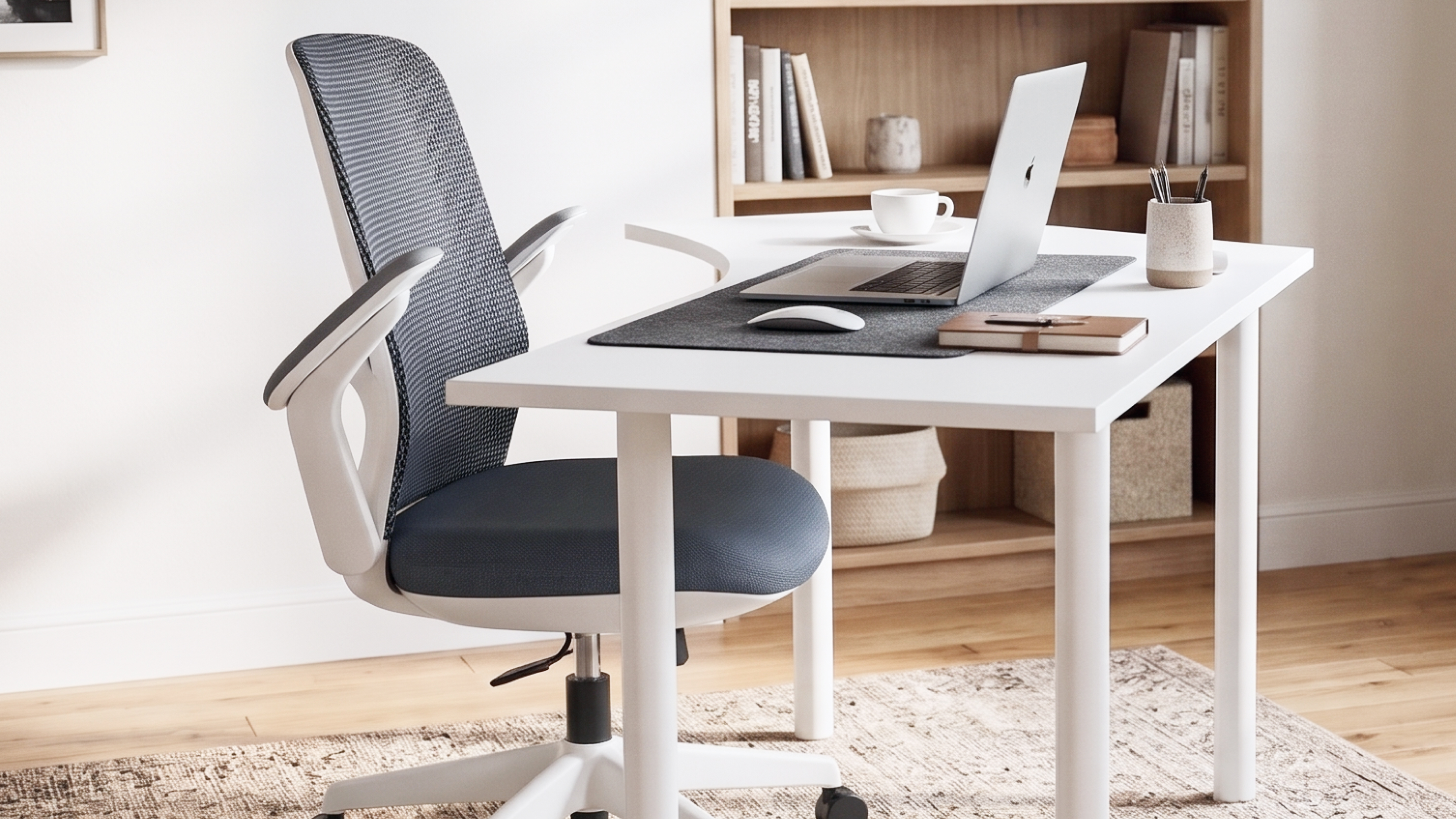
Then test the chair for real. Trying chairs before you buy is also wise, because the right fit is personal. When you visit a showroom, spend a few minutes in each chair. Do not just sit for ten seconds. Adjust every lever. Lean back. Roll a little. Pretend to type. Notice how your legs, back and shoulders feel after a few minutes.
Home Office Chair Checklist
Use these six questions when you compare chairs:
- Can I place both feet flat on the floor, with space behind my knees?
- Is the seat depth right, with no pressure on the back of my knees?
- Does the lumbar support fit my lower back, and can the backrest recline and hold my position?
- Do the armrests, if any, support my arms without lifting my shoulders?
- Is the base stable, with casters and a material that suit my floor and climate?
- Does the chair work with my desk height, and have I sat in it for more than a few minutes?
If you can say yes to most of these, you are close to the right chair.
It Starts With HighPoint
HighPoint designs seating for both offices and homes, with a wide choice of office chairs in different styles. You can look at Luno, the Arles Office Chair and the Lucy Office Chair to see how different shapes and finishes can suit a home workspace.
Each model has its own set of adjustments, so check the product page for the features that matter to you. If you want to test a chair in person, you can visit a HighPoint store or ask the team for help choosing. Our team can talk through your desk height, room size and daily routine to help you narrow the options.
Frequently Asked Questions
How do I know if my office chair is the right size? Sit all the way back with your feet flat on the floor. Your knees should be slightly lower than your hips, and there should be no pressure behind your knees. Your lower back should feel supported.
Is an expensive chair always better? Not always. Features and fit matter more than a label. A chair with the right adjustments for your body will serve you better than one with extras you never use.
How long should I sit before changing position? There is no single number, but moving often helps. Change your posture, stand, stretch or walk around during the day. A chair with a movable backrest makes small posture changes easier.
Do I need armrests? They are optional. Many people find them helpful for typing and mouse work. If they push your shoulders up or stop you from sitting close to the desk, adjust them or choose a chair where they can be removed.
The best home office chair is the one that fits you. Start with seat height and depth. Add proper lumbar support, a backrest that moves and a stable base. Then test the chair with your own desk and routine in mind.
Take the checklist with you, spend real time in each chair, and trust how your body feels. A little care now makes every workday more comfortable.
Ready to find your favorite home office chair? Browse the collection at highpointoffice.com or click the banner below to contact the HighPoint team and get help choosing the right chair.
Latest Article
6 Things to Check Before You Buy a Home Office Chair
Before you buy a home office chair, check six things: seat height, seat depth, lumbar support and backrest, armrests, the base, and how the chair works with your desk. A chair that passes these checks keeps you comfortable through long calls and deep work. A chair that does not will remind you every afternoon. Many […]

In Between Spaces: Inside HighPoint’s Product Launching
HighPoint would like to thank every guest who joined our product launching. Designers, contractors, and consultants came together to explore our newest pieces, and the energy they brought made the event truly memorable. Along the way, the displays offered an early look at HighPoint Signature, a new chapter for our range. Above all, we are […]

Acoustic Wall Panels for Churches: How Vecho Helped Gereja Tiberias
Why do worship rooms need acoustic wall panels? Because clear words matter most during a service. However, hard walls bounce voices around the room. As a result, sermons blur and songs feel muddy. Fortunately, Vecho now helps two churches solve this. Both Gereja Tiberias now feature its panels. Why Do Worship Rooms Need Acoustic Wall […]
Veneerslat: Real Wood Veneer Acoustic Wall Panel
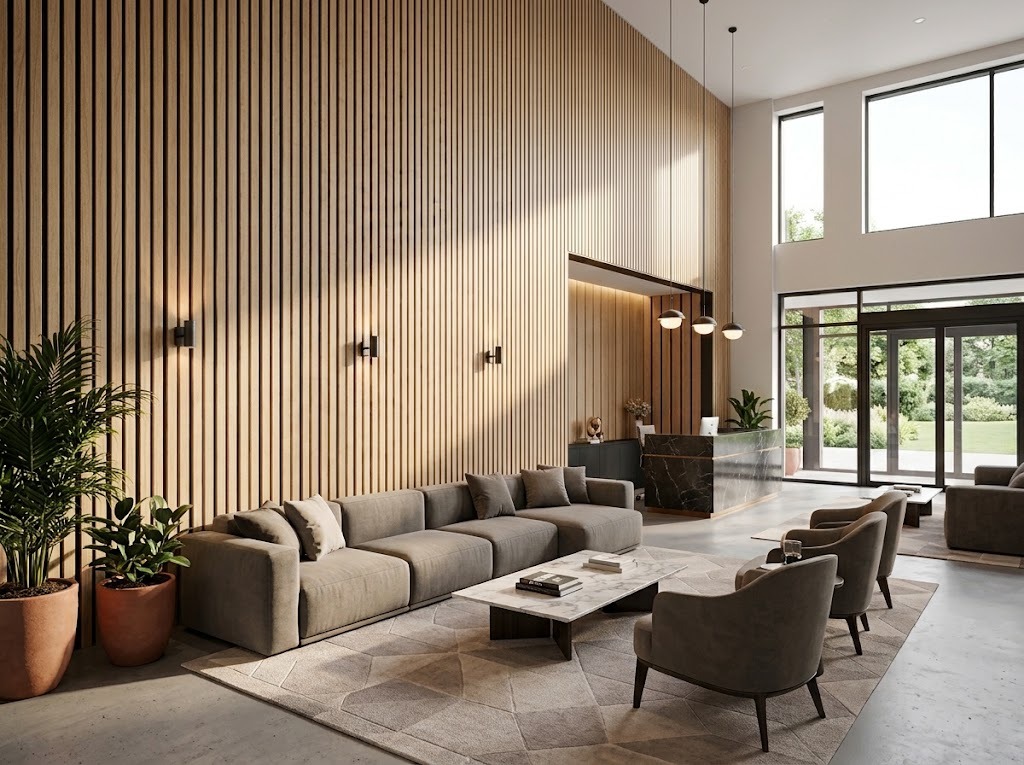
Why do beautiful rooms often sound harsh? Hard surfaces bounce noise around. As a result, echo fills the space. Veneerslat solves this with real wood veneer. Moreover, it quietly absorbs sound. This guide explains what it is and where it works. What Is Veneerslat? Veneerslat is an acoustic panel finished in authentic wood veneer. It […]

Clearance Sale Up to 90% Off: Visit HighPoint Stores Today
Why should you visit a clearance sale in person? Because you can inspect every piece before paying. The HighPoint clearance sale offers discounts up to 90%. Moreover, it runs from 1 October to 1 November 2026. Therefore, you have three months to plan a smart visit. Terms and conditions apply. Good office furniture is a […]
Triangular Office Desk: OVAR and NEUSS by HighPoint
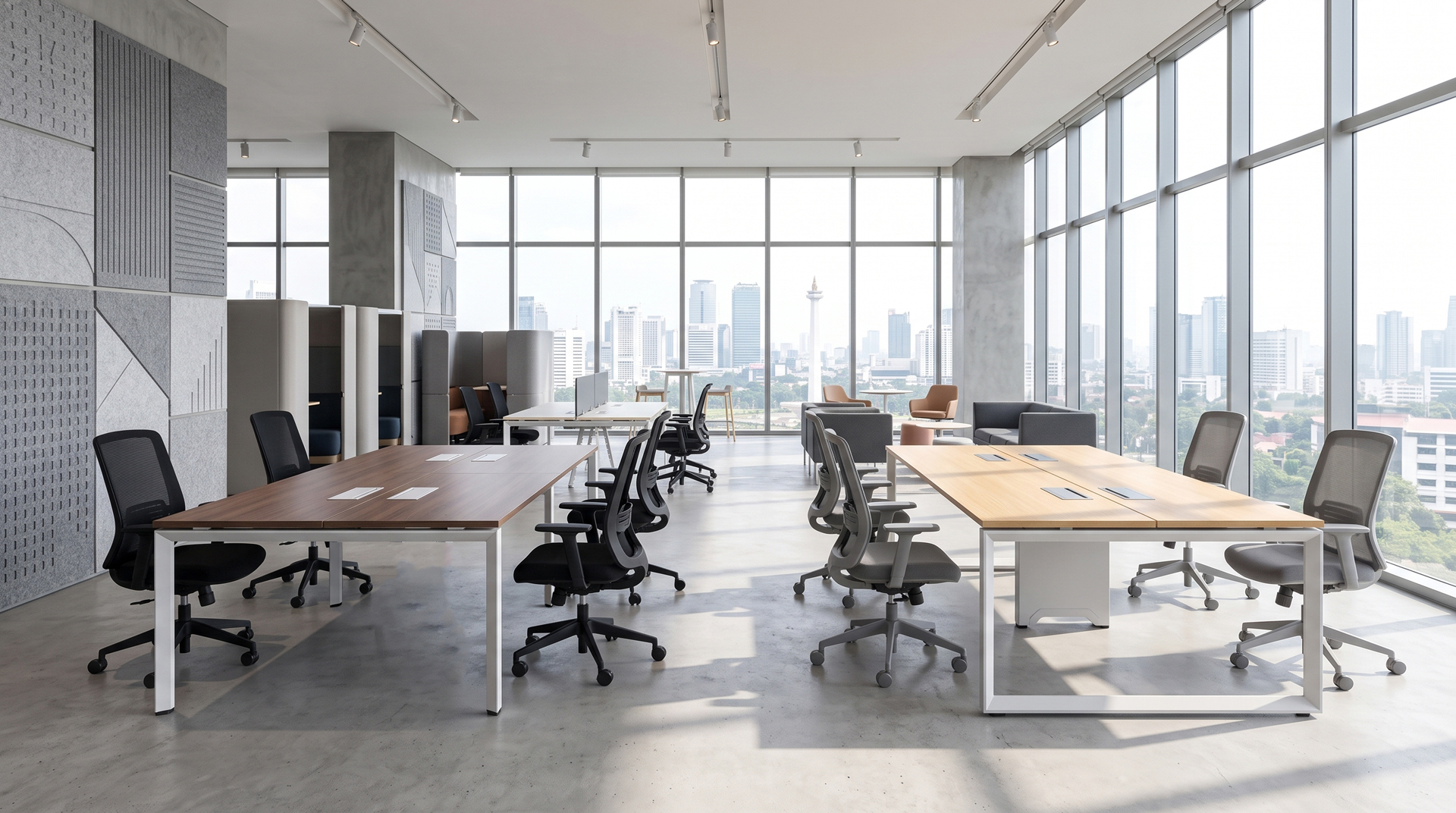
Why choose a triangular office desk? Because angled hollow legs add stability and style. Also, a clean top keeps teams focused. Today, HighPoint presents two desk families built on that idea. First comes OVAR, then comes NEUSS. Also, each family offers singles and 4 person sets. Meet the New OVAR and NEUSS Desk Range Let […]
Custom Patterns, Quieter Rooms: A Closer Look at Vecho9
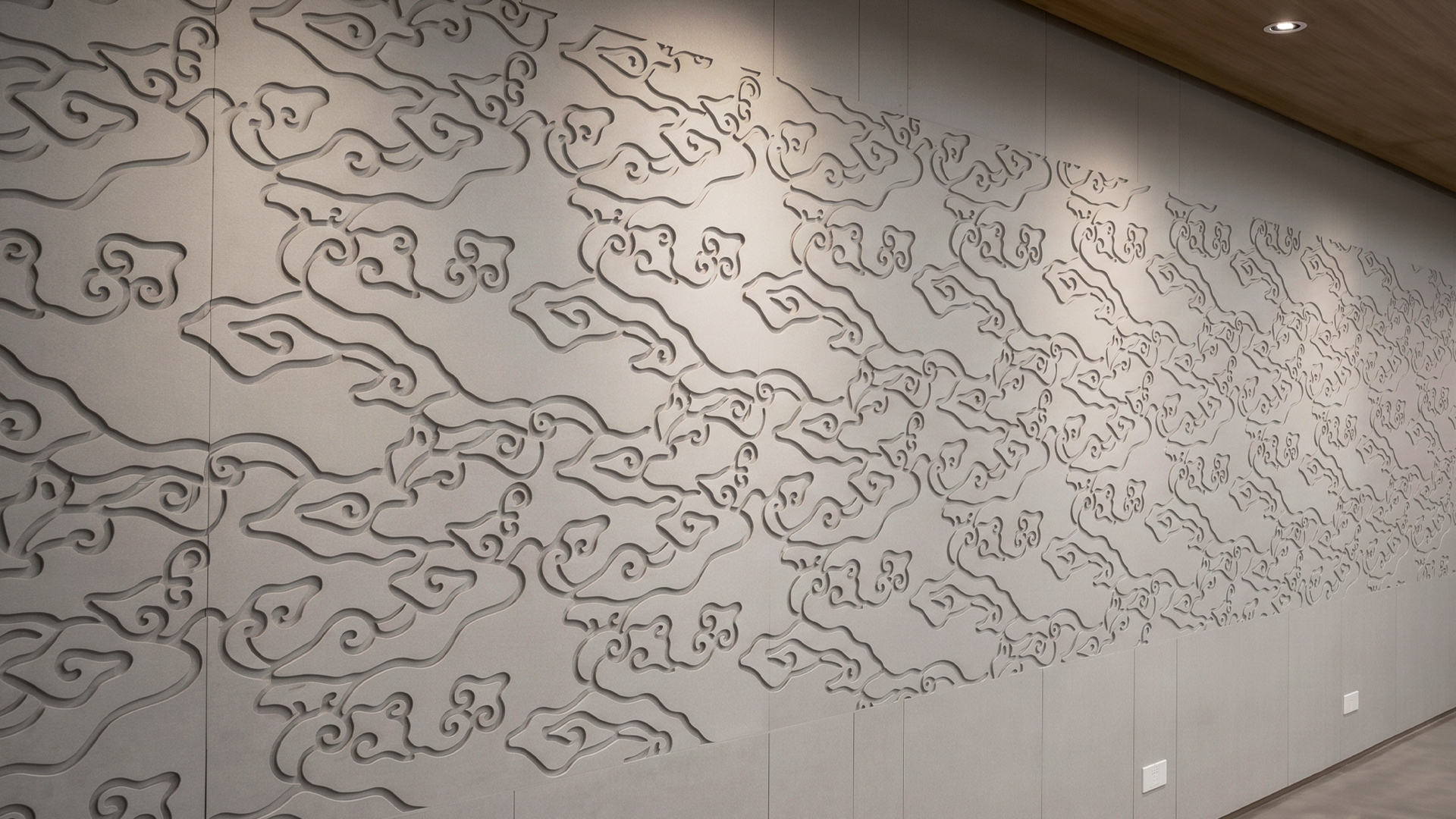
Vecho9 is a decorative wall panel, 9 mm thick, made from PET, designed to turn a plain wall into something with more character. It comes in unlimited cut patterns and 5 colors that can be mixed to suit the room. Beyond the look, Vecho9 also helps reduce echo during meetings or recordings. Small workspaces often […]
Better Office Chair Alternatives: September, Sit Better
You need a reliable chair alternative when your basic setup fails. Cheap chairs go flat fast, lack genuine lumbar support, and turn long workdays into back pain. This Payday Sale, HighPoint offers the ultimate ergonomic upgrade. Save up to 80% for a limited time and finally sit better. Why People Search For Chair Alternatives Entry-level […]
The Orang Have Effect: Own Right, Not More
Why do people suddenly care more about what they own? Consumers now buy fewer items with greater care. This pattern shows a growing trend: intentional buying. Therefore, ownership is no longer about quantity. Instead, it shows values, taste, and purpose. This change has a name: the Orang Have Effect. What Is the “Orang Have” Effect? […]